Disclosure: this post may include affiliate links. If you use one, Piscion Global may earn a commission at no extra cost to you.
I wanted one place where a content idea could enter, get routed, and come out the other side as a draft without me hand-stitching every step. That’s what this Make.com affiliate content pipeline is for: clean handoffs, fewer manual mistakes, and a workflow I can actually keep up with.
I started with Make.com because I wanted orchestration, not another place to do the actual writing. One webhook starts the flow, Make moves the data through the right steps, and each tool only does the part it’s good at. No custom code. No weird glue scripts. Just a pipeline that keeps moving.
Why this Make.com affiliate content pipeline works
Before this, the process was messy. Ideas lived in one place, briefs lived somewhere else, drafts got rewritten by hand, and publishing always took longer than it should have been. The problem wasn’t creativity. It was friction.
The Make.com affiliate content pipeline solves that by making the workflow boring in a good way. If the inputs are clean, the output stays clean. If something breaks, I can see where it broke.
The webhook is the front door
I start with a webhook because it keeps the entry point flexible. Anything that can send a payload can kick off the scenario. That means the content request can come from a form, a Notion action, or another internal system without me rebuilding the whole flow.
- Incoming request lands in Make.com.
- The payload gets validated.
- The right fields get passed to the next step.
- The scenario decides whether to continue or stop.
This is the part that makes the rest of the Make.com affiliate content pipeline predictable. If the webhook is solid, everything downstream gets easier.
How the scenario is structured
I keep the scenario narrow. Each step has one job and one output. That keeps the automation easier to debug and easier to update later.
1. Intake and cleanup
The first step checks the incoming data and normalizes the fields. I want the same shape every time, whether the source was a human form or an upstream agent.
2. Notion handoff
Next, the content request gets written into Notion so the job has a record. That gives me a source of truth for status, notes, and anything that needs review before the draft moves forward.
3. Agent processing
From there, the request can move into the content agent layer. I use that to turn the brief into a draft structure, not a finished polished article. Keeping that separation helps a lot.
4. WordPress draft creation
Once the draft is ready, Make.com sends it to WordPress as a draft. That way the post exists, but nothing goes live until the rest of the pipeline is finished.
This is the core of my Make.com affiliate content pipeline: intake, record, draft, stage. Each piece stays small enough to trust.
How OpenClaw fits in
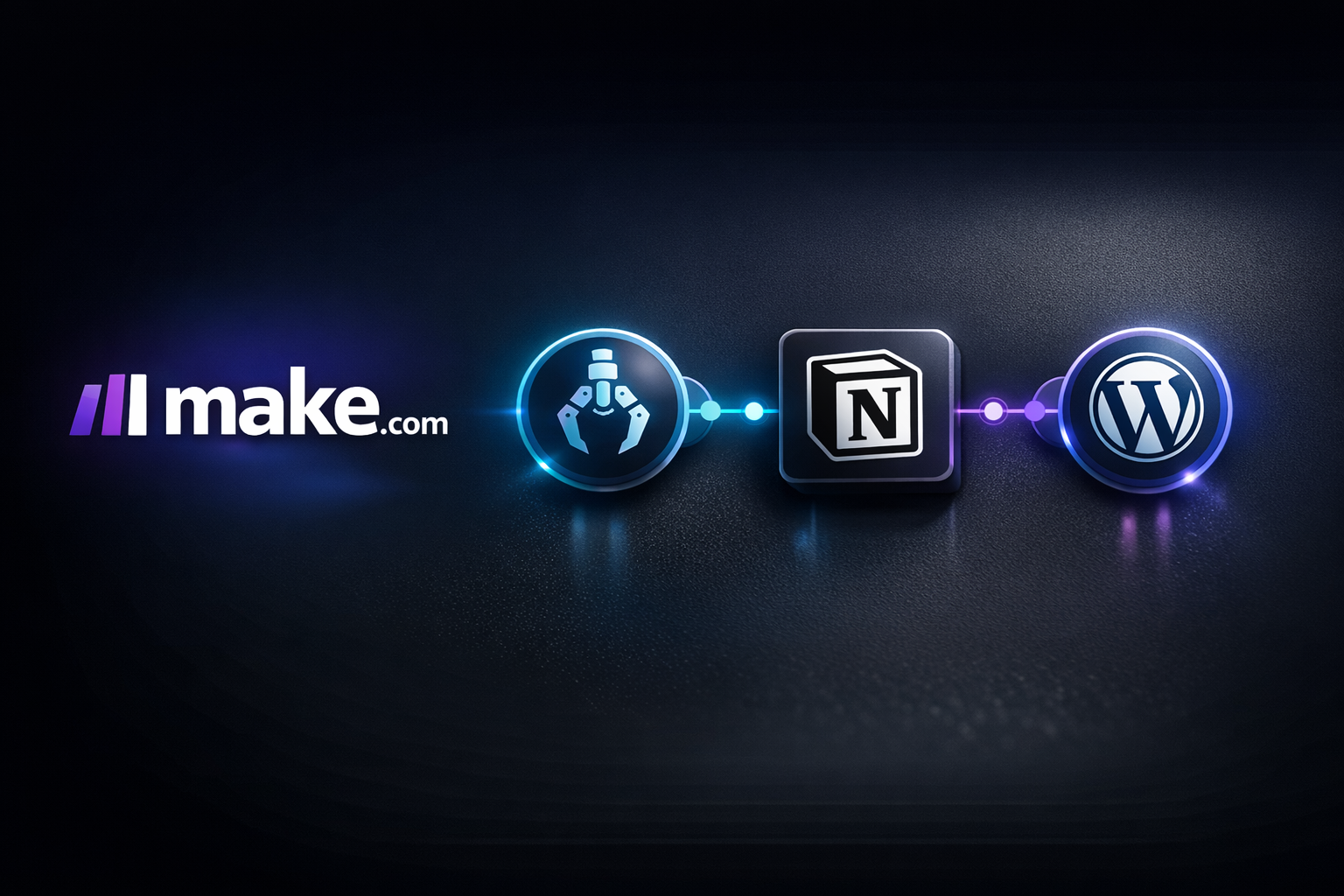
OpenClaw sits in the middle as the execution layer for structured content work. Make.com handles orchestration. OpenClaw handles the agent work. Notion handles tracking. WordPress handles the draft.
That split matters because it keeps each system from trying to do everything. Make.com is great at moving data. OpenClaw is better at producing the draft logic. WordPress is best kept as the destination, not the workspace.
What broke when I first tested it
The first version was too optimistic. I assumed every step would receive perfect input. It didn’t. Some payloads were missing fields, some steps tried to do too much, and one bad assumption could throw off the rest of the run.
What fixed it was tightening the scenario:
- Validate early.
- Fail fast on bad input.
- Keep Notion updated at each major step.
- Send drafts to WordPress only when the content is ready.
That made the Make.com affiliate content pipeline a lot easier to trust.
If I were starting from scratch
I’d build the smallest working version first:
- One webhook.
- One Notion record.
- One content agent step.
- One WordPress draft step.
Once that works, I’d add the extras. The mistake is trying to design the perfect system before the first clean run. A simple pipeline that works beats a clever one that breaks.
What I’d keep the same
I’d keep the same basic shape because it stays readable. Make.com handles orchestration, Notion keeps the state, OpenClaw handles the content logic, and WordPress waits until the end. That’s the version I can maintain without babysitting it every day.
If you’re building your own Make.com affiliate content pipeline, start with the handoff between systems, not the polish. The polish gets easier once the flow is stable.
Final thoughts
The best automation setup is the one you can explain in plain English. Mine is simple: a webhook starts the job, Make.com routes the work, Notion tracks it, OpenClaw generates the draft, and WordPress holds the final post until it’s ready.
If you want to build something similar, keep it narrow, test each handoff, and make sure every step has a clear purpose. That’s how you keep the whole pipeline moving without turning it into a maintenance problem.
Pingback: AI Agent Build Blueprint: The Fundamentals Most Builders Skip
Pingback: Freelance Client Onboarding Kit: The Cleanup I Needed After a Client Said Yes
Pingback: Lead Gen Agency Software Roundup — Best Tools for Running a Lead Generation Agency