
GoHighLevel Email Marketing for Solopreneurs: What I Actually Use Week to Week
I want to be specific here, because most day-in-the-life posts about GoHighLevel describe what the platform can do rather than what actually gets used. There is a real difference. This is what I actually touch on a weekly basis as someone running a side business alongside a full-time job — not a feature tour, a field report.
Quick answer:
- What Gets Used Every Week.
- What I Almost Never Touch.
- The Workflow That Made the Platform Worth $97.
- What GoHighLevel Does Not Replace.
- The Time Investment Honestly.
What Gets Used Every Week
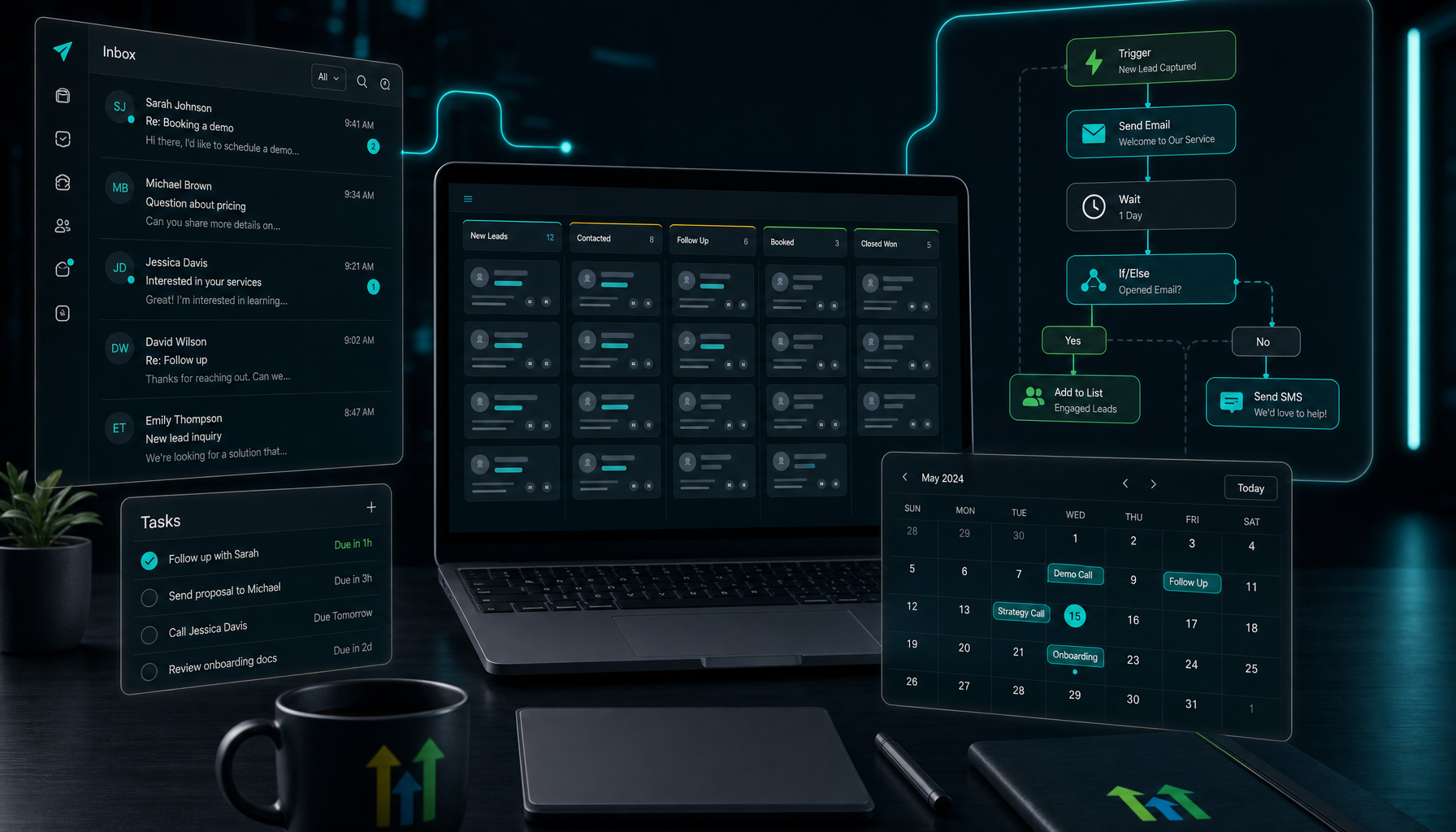
The contact pipeline view. When a new lead comes in — through a form, a referral, or an outreach — they land in the CRM pipeline. I check it every morning. It takes about two minutes. The pipeline view shows me where every active lead is in the process without opening a separate tool or scrolling through email threads to reconstruct who said what.
Before GoHighLevel, I was doing this in a spreadsheet I updated inconsistently. The spreadsheet was always a week behind. The pipeline is always current because contacts move through it automatically when they hit a trigger.
Broadcast emails. Once a week, sometimes less, I send a campaign to a segment of my list. The GoHighLevel email marketing campaign builder is functional. It is not as polished as something like Mailchimp or Klaviyo, but it does the job without requiring me to log into another platform, export a list, re-import it, and match up the contact data.
The contact intake workflow. I built this in week two and have not touched it since. When someone fills out my intake form, the workflow: adds them to the CRM with the correct pipeline stage, sends them an immediate confirmation email with next steps, and creates a task in my dashboard to follow up in 48 hours if they have not responded. That workflow fires every time without me looking at it.
Those three things cover roughly 80% of my weekly GoHighLevel usage. The platform has dozens of features I am not touching yet. That is fine. A tool that does three things reliably is more valuable than a tool that does twenty things inconsistently.
What I Almost Never Touch
The funnel builder. I already have a website and landing pages that are working. Moving them into GoHighLevel is a project I will tackle eventually — the builder is capable — but the migration effort is not urgent, and I am not going to break something working to add a feature I do not need yet.
The social media scheduler. GoHighLevel has one. It is not as capable as dedicated social tools, and my social workflow runs separately from my CRM and email operations. The categories do not need to be in the same platform.
Reputation management and review requests. These features were built for local businesses managing Google and Facebook review volume. That is not my current use case. I can see a version of my business where this matters. It does not matter today.
SMS campaigns. The two-way SMS feature is genuinely useful for certain types of follow-up — appointment reminders, quick check-ins with leads who are not responding to email. I have not built it out yet because it required A2P registration and I was focused on getting email right first. It is on the list.
The Workflow That Made the Platform Worth $97
The thing I keep returning to when I evaluate whether GoHighLevel is earning its monthly cost is the contact intake workflow. Before I built it, new leads sat in my inbox until I manually followed up. Sometimes that was the same day. Sometimes it was three or four days later because I was at a job site and forgot to check.
Slow follow-up costs deals. Not dramatically, not all at once — but a lead who waits four days for a response is measurably less likely to convert than a lead who heard back in four minutes. I knew this and still did it inconsistently because I was doing it manually.
The workflow fixed that without adding anything to my plate. It runs automatically. The lead gets a response in seconds. I get a task reminder to follow up personally once they have had time to read the initial email. The whole thing took about 45 minutes to build the first time.
If I book one additional client per quarter that I would have lost to slow follow-up, the platform pays for itself. I think the actual number is higher than that, but one is the conservative floor, and it still clears the bar.
What GoHighLevel Does Not Replace
My email newsletter tool. I keep a separate beehiiv account for a newsletter that goes to a subscriber list of people who opted in specifically for content. GoHighLevel handles my CRM contacts and business follow-up email. The audiences are different, the intent is different, and the content type is different. I do not want them in the same system.
Bookkeeping. Nothing in GoHighLevel connects to how I track revenue, expenses, or invoicing. That stays in its own tool.
Content planning. GoHighLevel is an operations and outreach platform. I use a separate system for planning content, writing, and managing publication schedules. They serve different purposes and mixing them would make both worse.
The Time Investment Honestly
Getting real value out of GoHighLevel requires about two weeks of focused setup time. The first week is orientation — learning the menu structure, understanding sub-accounts, connecting the email domain, importing contacts, sending the first campaign. The second week is building the first workflow that automates something you were doing manually.
After those two weeks, the maintenance is light. I spend maybe fifteen minutes a day in the platform on active days, and some days I do not open it at all. The workflows run without me. The pipeline updates automatically when contacts move. The campaigns go out on schedule.
The investment is front-loaded. If you put in the first two weeks with intention, you get a system that reduces the operational drag on your business for as long as you use it. If you try to use GoHighLevel as a simple broadcast email sender without building any automation, you are paying $97/month for something a $15 tool handles.
If you want to see whether it fits your workflow, the 14-day free trial is the right way to test it. I would spend the trial period building one workflow and sending two or three campaigns. That will tell you more than any review can about whether the tool fits how you actually work.
How the Platform Fits Around a Full-Time Job
The detail that does not come up in most GoHighLevel reviews is how the platform behaves when you can only check it during breaks, evenings, and weekends. For a solopreneur with a day job, this is not a minor consideration.
The short answer is that GoHighLevel handles the asynchronous parts of the business better than almost any other tool I have used. The workflows run when I am not watching. The pipeline updates without me touching it. The follow-up emails go out on schedule regardless of whether I am at my desk.
What does require active attention: reviewing new leads in the pipeline, sending broadcast campaigns, and checking that workflows are firing correctly. None of those things require long blocks of time. The pipeline review takes two minutes. A broadcast campaign takes thirty minutes to write and schedule. A workflow audit takes ten minutes to confirm everything ran as expected.
The tasks that used to pull me away from my work — manually following up with leads, copying contact data between tools, remembering to send a check-in email — have mostly moved into automation. That is the real return on the setup investment for someone who cannot afford to be interrupted by operational tasks during a work day.
The platform is not perfect for async use. If a workflow breaks, you might not notice for a day or two. If a campaign has a deliverability problem, it will not flag itself urgently. You have to build a light review habit to catch those things. But the baseline operational load is dramatically lower than running the same process manually across separate tools.
The longer I use it, the less I notice the platform itself — which is exactly what I want from a business tool. It runs in the background, handles the operational detail, and lets me focus on the work that actually moves the business forward. That is the job I hired it to do.
One last thing worth naming: GoHighLevel does not make email marketing easier in the traditional sense. The email editor takes time to learn, the campaign setup has more steps than a simple broadcast tool, and the workflow logic requires some deliberate planning. What it makes easier is the operational system around email — the follow-up, the contact management, the coordination between outreach and the rest of the business. If that is the problem you are trying to solve, it is worth the learning curve.
Disclosure: I earn a commission if you sign up through my link. The trial is free and the price after is the same either way. Everything above is from my actual use of the platform, not from the marketing materials.
Related reading: AI Prompts for Systeme.io Pages: From Blank Funnel to Usable First Draft and Systeme.io Raw HTML Element: Practical Uses for Solopreneur Funnel Pages and How to Monetize a Beehiiv Newsletter (Beyond the Partner Program).
About the author: Chris Myers builds AI-powered business systems and tests every tool in his own solopreneur stack before recommending it. He writes at Piscion Global.
Related: Dorik AI Website Builder: What It Actually Solves for a Solo Site