
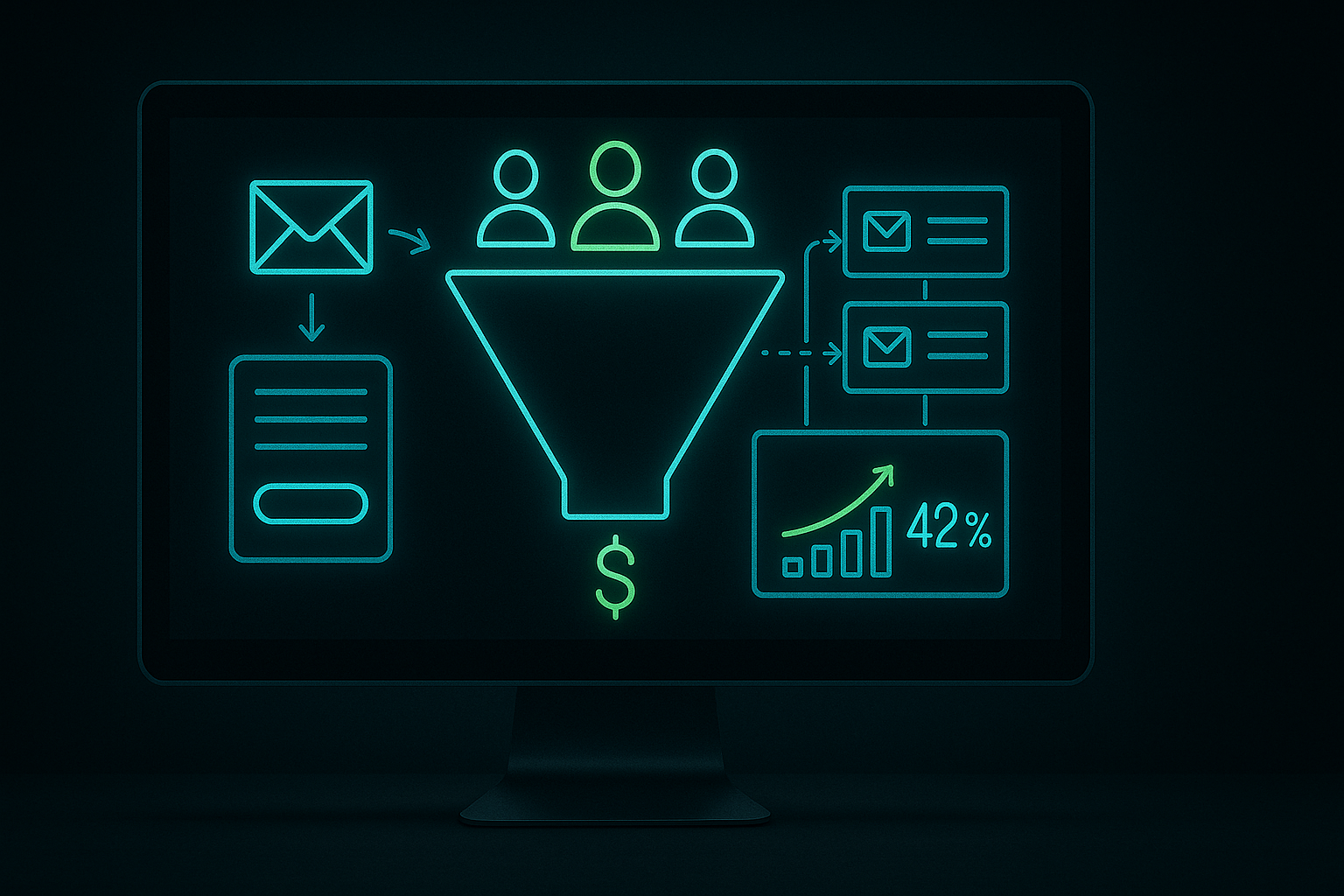
If you’re researching GoHighLevel lead generation, this breakdown covers what actually matters for a solo operator.
“`html
GoHighLevel Lead Generation: How to Actually Generate Leads with GoHighLevel
Hi, I’m Chris! After running digital businesses for the last eight years, I’ve learned a thing or two about lead generation. One of the most effective tools I’ve found is GoHighLevel. In this post, I’m going to share the exact workflow I use to generate B2B leads, highlight common pitfalls, and provide a realistic expectation for your first month using the platform.
When it comes to GoHighLevel lead generation, everyone talks about the features, but let’s focus on how to actually use this platform to turn numbers in your spreadsheets into conversations in your inbox.
Quick answer:
- The GoHighLevel Workflow I Use for Lead Generation.
- What Gets Responses vs. What Gets Ignored.
- Three Settings Most People Get Wrong in GoHighLevel for Lead Gen.
- What a Realistic First 30 Days Looks Like.
- The Three GoHighLevel Features That Actually Drive Lead Gen Results.
The GoHighLevel Workflow I Use for Lead Generation
I’ve developed a specific GoHighLevel workflow that integrates several components—prospecting tools, snapshot campaigns, and follow-up sequences. This combination creates an effective lead generation system if executed properly.
1. Prospecting Tool
I begin by identifying my target audience. GoHighLevel’s prospecting tool allows you to upload lists of leads or generate them based on specific criteria. I usually focus on local businesses or specific industries needing digital services. The tool gathers data from various platforms, saving you the hassle of chasing down leads manually.
To use the prospecting feature effectively, I filter the results based on company size, location, and social media engagement. This ensures that my outreach is relevant and timely.
2. Snapshot Campaigns
With quality leads identified, I create snapshot campaigns that resonate with the prospects I’ve found. These campaigns include targeted email sequences, SMS outreach, and even direct response funnels. The goal is to craft messaging that addresses the specific pain points of the leads.
Once the campaigns are set up, I rely on GoHighLevel’s automation features to track who receives which messages and when. Personalization is key; generic messages are often ignored.
3. Follow-Up Sequences
While it’s important to respect prospects’ time, following up is crucial in lead generation. Often, you won’t get a response from your initial outreach. After establishing my snapshot campaigns, I build follow-up sequences that remind leads about the services I offer. Using a mix of emails and text messages over several days and weeks helps keep my name fresh in their minds.
When comparing options for GoHighLevel lead generation, the detail that matters most is whether the workflow holds up under daily use, not how it looks in a vendor demo.
This organized approach significantly increases the chances of getting responses. In my experience, it typically takes two to three follow-ups before a lead engages.
What Gets Responses vs. What Gets Ignored
Based on my experience, the saying “time is money” rings true in lead generation. Personal touches make a difference, even when using automated tools. Here are some insights from my campaigns:
- Tailored Messaging: Don’t just copy and paste. Each email should speak to the specific needs and pain points of your prospect. Mentioning their business name and common challenges really helps.
- Call-to-Actions (CTAs): Be explicit about what you want them to do. I often include a CTA directing them to a webpage where they can easily book a consultation or view a demo of my service.
- Social Proof: Adding testimonials or statistics validates your offer. For example, stating “We’ve helped X company increase their leads by Y%” can be quite persuasive.
On the other hand, here’s what tends to get ignored:
- Generic Emails: Mass emails typically end up in the trash. Generic outreach does not resonate with anyone.
- No Follow-Up: Missing follow-ups leads to missed engagement opportunities. Many leads will wait for the right moment to respond, so persistence is vital.
- Unclear Value Proposition: If you don’t specify the benefits, there’s little motivation for a lead to engage. Be sure your message clearly communicates what they stand to gain.
Three Settings Most People Get Wrong in GoHighLevel for Lead Gen
In setting up GoHighLevel for lead generation, I’ve noticed a few common mistakes that can hinder success. It’s not just about having the tools; it’s about how you configure them. Here are three critical settings that often trip people up:
1. Notifications
Many overlook the importance of setting up notifications correctly. Missing an incoming lead because you turned off email or SMS notifications can cost you. In the settings, be sure to activate notifications for leads, follow-ups, and appointments. Ideally, use both email and SMS to enhance responsiveness.
2. Pipeline Stages
Another common mistake is not customizing pipeline stages to match your sales process. GoHighLevel provides standard stages by default, but these might not reflect your business model. Take a few moments to adjust these stages to track how you convert leads effectively.
3. Integration with Other Tools
If you use tools like Calendly, Zapier, or Shopify, ensure they integrate correctly with GoHighLevel. Streamlining your processes minimizes time spent on manual tasks. Proper automation saves you time, so set this up right from the beginning.
What a Realistic First 30 Days Looks Like
Many believe using tools like GoHighLevel will immediately generate leads, but the reality is more practical. Here’s a straightforward look at what to expect in the first 30 days after setting up your GoHighLevel account for lead generation:
During the first week, invest time getting accustomed to the platform. Expect to identify your target market, create prospecting lists, and establish your initial campaigns. Don’t lose motivation if you don’t see immediate results; this stage is about laying the foundation.
By the second week, once your campaigns are live, you should begin to see some traction. Depending on the targeting of your list and the effectiveness of your messaging, this could result in anywhere from 5 to 20 leads. Keep in mind that not all these leads will convert, so maintaining realistic expectations is crucial.
That’s one reason GoHighLevel lead generation is worth thinking through carefully before committing to a monthly subscription.
As you move into the third week, your follow-up sequences should begin to yield better engagement. At this point, you might receive 2 to 5 initial responses weekly, possibly leading to a few calls or meetings.
By the end of the month, if you’ve been consistent in your efforts, you could realistically schedule anywhere from 2 to 10 consultations or demo calls. This isn’t a marketing ploy; it reflects genuine results based on the diligent application of GoHighLevel’s features.
So, GoHighLevel isn’t magic; it’s a tool that, when set up correctly, can provide a solid lead generation system. The quality of your offer and targeting is what truly matters, more than the tool itself. Among the many all-in-one platforms, GoHighLevel offers an exceptional lead generation stack without unnecessary complications.
If you want to manage this process yourself, GoHighLevel’s 14-day trial gives you full access to the prospecting tools, funnels, and CRM—no feature limitations. I’ve found it invaluable for my lead generation strategy, and I believe you will too!
Finally, if you use the links in this article, I may earn a commission at no extra cost to you. This support helps maintain my content creation, and the price stays the same either way. Thank you for your support!
The Three GoHighLevel Features That Actually Drive Lead Gen Results
As a solopreneur with eight years in digital marketing, I’ve tested numerous tools. GoHighLevel lead generation stands out because of a few specific features that genuinely impact results. Understanding these can help you the platform effectively.
First up is the prospecting tool. This feature simplifies the process of identifying potential clients. It allows you to search for businesses within your niche and view their online presence. You can quickly gather crucial information like contact details and social media profiles. I’ve found that initiating contact becomes much easier when you have all necessary information at your fingertips, enhancing your outreach strategy.
Next is snapshot campaigns. These templates allow you to replicate successful strategies effortlessly. You can set up lead capture funnels, email sequences, and more, all tailored to your services. I usually customize these snapshots based on the specific needs of my local businesses. The benefit is obvious: rather than starting from scratch each time, you build on proven templates that drive conversions. In my experience, using snapshot campaigns increases my efficiency, allowing me to generate leads more rapidly.
Finally, automated follow-up sequences are a . Once a lead enters your system, having a structured follow-up plan is crucial. GoHighLevel allows you to automate emails and SMS messages, ensuring no lead goes cold. I’ve seen an uptick in conversions just by consistently following up with potential clients versus relying on manual outreach methods. This sequence needs to be tailored to your target audience, so take the time to set it up right. It pays off with higher engagement rates.
For a solo operator, GoHighLevel lead generation is the comparison that clarifies priorities faster than any feature matrix.
What the First 30 Days of GoHighLevel Lead Generation Looks Like
When you first GoHighLevel lead generation, it’s essential to have realistic expectations. The initial 30 days can feel overwhelming. I remember my first month, spending long hours setting up everything and getting familiar with the software.
I managed to capture about 50 leads in that month, which was a mix of organic outreach and paid ads. Out of these, around 10 became legitimate prospects. This conversion rate isn’t the highest, but with the right follow-up sequences in place, I turned some into paying clients over time. It’s important to remember that results won’t be instantaneous; consistency is key. If you keep your momentum, the following months often show remarkable growth.
Don’t forget about analytics. Make sure you review what’s working and what’s not. Early adjustments based on data will help you refine your approach for better outcomes in the future.
Three Setup Mistakes That Slow Down New GoHighLevel Users
As I navigated through GoHighLevel, I made several mistakes during setup. Knowing what I know now, I can share three common errors that many new users make and how to fix them.
First, not setting up tags correctly. Tags are essential for segmentation. If you fail to implement these, your follow-ups become disorganized, and you miss personal touchpoints that lead to conversions. Go back to the leads section and ensure each entry has the right tags for effective segmentation.
Second, neglecting the campaign calendar. Many users overlook this feature, resulting in missed opportunities for campaign launches or follow-ups. Take the time to map out your campaigns in this calendar. It will help you maintain a structured approach to GoHighLevel lead generation.
Lastly, skipping the integration with CRM systems is a critical mistake. Without proper integration, your data processing becomes faulty. Ensure you connect your CRM so all your leads are flowing into your main database. This integration can significantly enhance your workflow and prevent miscommunication.
“`
Worth reading alongside this: automating your pipeline with Make.com — covers the automation layer that pairs well with a lead gen stack.
If you want to run this yourself, GoHighLevel’s 14-day trial gives you full access to the prospecting tools, funnels, and CRM — no feature gating.
About the author: Chris Myers builds AI-powered business systems and tests every tool in his own solopreneur stack before recommending it. He writes at Piscion Global.