
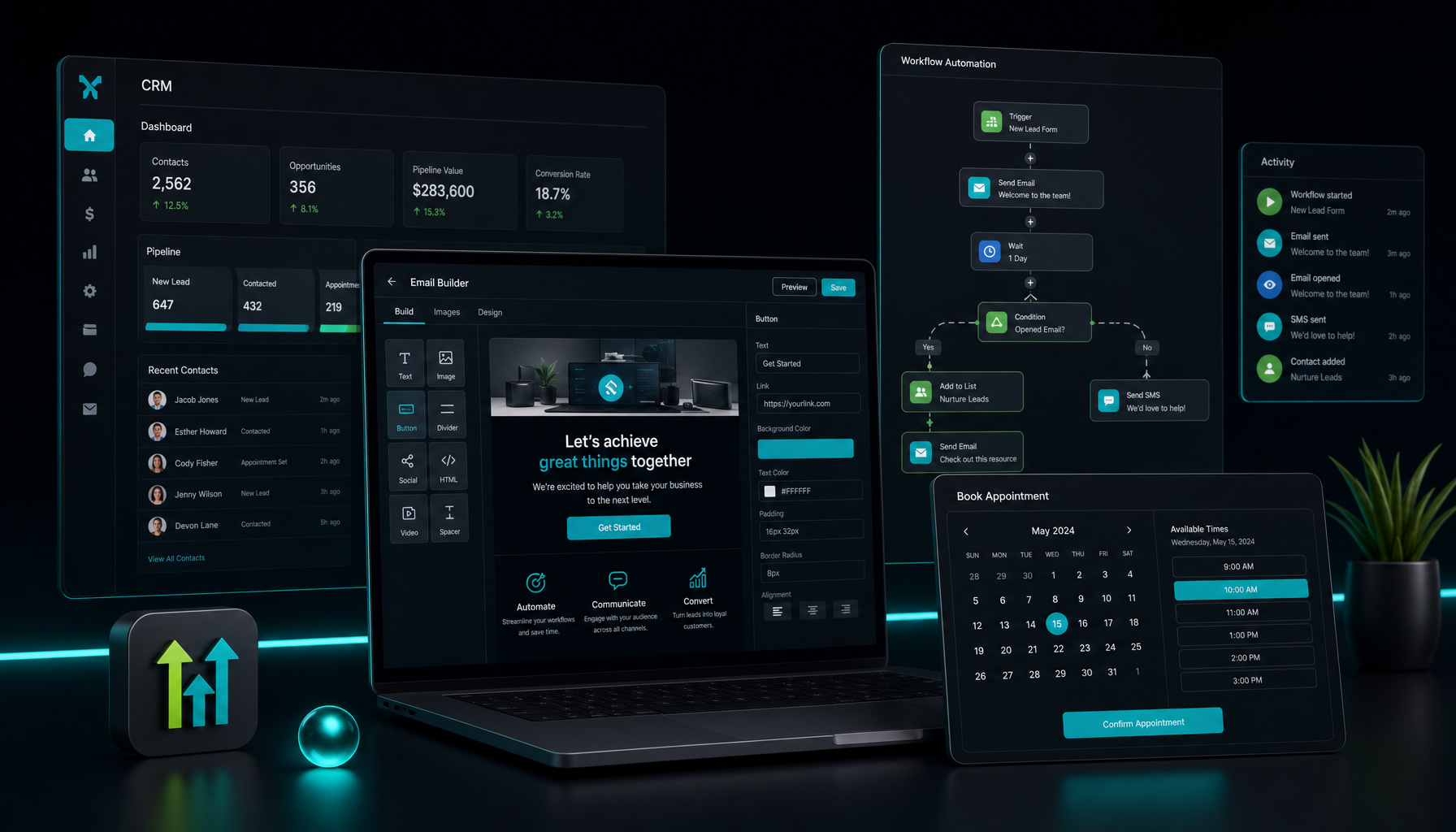
GoHighLevel Email Marketing Setup Guide for Solopreneurs Who Do Not Want Tool Soup
Most GoHighLevel setup guides were written for agencies. They assume you have multiple clients, a team to delegate to, and time to build out the full platform before sending a single email. If you are a solopreneur doing this alongside a day job, that approach will burn you out in the first week.
This is the path I would take if I were starting over: get to a working GoHighLevel email workflow in under an hour, and skip everything else until it matters.
The Three Decisions That Trip People Up Before They Even Start
Before you touch the email builder, three calls need to be made that most guides skip entirely. Getting these wrong wastes hours. Getting them right means the rest of the setup is straightforward.
Are you using this as a CRM or just as an email tool?
GoHighLevel is built around sub-accounts — separate workspaces for each client or business. If you are running your own business only, you create one sub-account and do everything there. If you plan to use the platform for client work later, set up your own business as the first sub-account now. This keeps contacts and campaigns clean from day one and avoids the headache of untangling them later.
Most solo setups go wrong here because people do everything at the agency level instead of inside a sub-account. The email marketing tools live inside the sub-account. The CRM pipeline lives inside the sub-account. If you cannot find them, that is why. Check that you are working inside the correct sub-account before assuming anything is broken.
Are you starting with campaigns or workflows?
Campaigns are broadcasts — you send once to a list. Workflows are automated — they trigger when something happens, like a contact filling out a form or moving to a new pipeline stage. For a first setup, start with campaigns. They are simpler, they ship fast, and they will confirm your contact import worked before you invest time in building automation logic.
A lot of people try to build the automation first because that is the exciting part. Then they spend two hours troubleshooting why a workflow is not firing before discovering that the contacts never imported correctly. Do the boring part first.
Where are your contacts coming from?
GoHighLevel does not have a public sign-up form by default the way beehiiv or ConvertKit does. Contacts come in through a form embedded on your site, a funnel page, a manual import, a CRM pipeline, or an integration with a tool you are already using. Decide this before you build anything. It determines which part of the platform you configure first, and if you skip it you end up with a beautifully designed campaign going to an empty list.
The Actual Setup Path (Under an Hour)
Once those decisions are made, the setup sequence goes like this. Do them in order. Do not skip ahead.
Create your sub-account. Log into the agency view, go to Sub-Accounts, create a new one for your business. Name it, set the time zone, enter a contact email. Three minutes.
Import your contacts. Go to Contacts inside the sub-account. Use the bulk import option to upload a CSV. Map the columns — first name, last name, email, phone if you have it. Run it. Check that the contacts landed before moving on. Spot-check five contacts manually to confirm the data mapped correctly, especially if your CSV column headers are named differently from GoHighLevel’s field labels.
Connect your sending domain. Go to Settings > Email Services. Add a sending domain and verify it with DNS records. This step takes the most calendar time because DNS propagation can run a few hours. Start it, then go do something else while it resolves. If you skip this step and try to send from a generic address, you will have deliverability problems before you send your first campaign.
Build your first campaign. Go to Marketing > Emails. Create a new campaign. Pick a template or start blank. Write the email, set the sender name and subject, select your contact list, schedule or send immediately.
That is the full path to a working email setup. Everything else — workflows, pipelines, funnel pages, reputation management — comes after you have sent at least one campaign and confirmed the basics work end to end.
What to Skip Until Month Two
The platform has a lot of surface area, and that surface area is the thing that overwhelms new users. Here is a concrete list of what not to touch in the first month.
Workflows: Worth building eventually, but they reward the time you put in. Do not try to build automation before you have sent a few campaigns manually and understand how your contacts respond to your emails. The trigger logic is powerful precisely because it is flexible — which means it requires some deliberate thinking before you set it up. Go in without a clear use case in mind and you will spend hours on something that does not quite work.
Funnels: If you already have a landing page setup, do not migrate it right away. Confirm the email piece works first. Moving your funnel infrastructure is a separate project that deserves its own week, not something to bolt onto the setup process.
SMS: Requires A2P 10DLC compliance registration in the US. This is not complicated, but it takes time — carrier registration can take a week or more. Trying to set up SMS during your initial configuration will stall your email setup. Put it on the month-two list and come back to it when email is running cleanly.
Reputation management and review requests: Genuinely useful for service businesses, but a completely separate workflow to build. Not a first-week task.
The platform rewards people who go deep on one module at a time. The ones who try to set up every feature at once usually end up with a half-configured platform they do not trust and eventually stop using.
Where People Actually Get Stuck
The email builder feels unfamiliar. It is not a Mailchimp-style drag-and-drop with a content block library. The sections-and-columns system takes a couple of sessions to get intuitive. Give it that time before deciding it is bad. Most complaints about the email builder come from people who spent one frustrated afternoon with it and gave up.
Contacts not showing up in campaigns. Almost always because the contacts are in the agency view, not the sub-account. Confirm you are inside the correct sub-account before troubleshooting anything else. This is the number-one support question for new GHL users, and the answer is almost always the same.
Emails landing in spam. Almost always a domain authentication issue. Go back to Settings > Email Services and confirm SPF and DKIM records are verified. If they show pending, DNS propagation is not complete yet. Wait it out. Do not try to send from an unverified domain — the spam rate will be high and you will be cleaning up reputation problems.
A workflow-triggered email not firing. Check the trigger conditions first. GoHighLevel workflows require an explicit trigger event — they do not run on a schedule unless you configure a time-based trigger specifically. Also check that the workflow is set to Active, not Draft. An inactive workflow does nothing.
What Running It Actually Feels Like After Setup
After the first week of setup friction, GoHighLevel starts to feel like a real operating system rather than a collection of features. The moment it clicked for me was when I built a simple intake form, connected it to a CRM pipeline stage, and watched an email go out automatically when someone filled it out. No Zapier. No copy-paste between tools. A workflow that ran while I was doing something else.
That is the actual promise of the platform for a solo operator. It is not the fastest tool to set up, but once it is running, follow-up, segmentation, and contact management happen in one place instead of four.
After the first month, the weekly maintenance is light. You check the pipeline, send campaigns as needed, and let the workflows do the repetitive follow-up work. The investment is front-loaded. The payoff compounds quietly over time.
If you want to start, the 14-day free trial gives you the full Starter plan with no credit card required. I would spend the first two days on sub-account setup and email domain verification before touching anything else. Get those right and the rest follows.
Disclosure: If you sign up through my link, I earn a commission. The price is the same to you either way. I documented this setup because I went through it myself and the guides I found were all written for agencies. That is the gap I am filling here.