
Freelance Client Onboarding Kit: The Cleanup I Needed After a Client Said Yes
The messy part of freelancing usually starts the minute the client says yes. That is where freelance client onboarding turns into scattered intake forms, unclear scope, and too much back-and-forth before the work even starts. The Freelance Client Onboarding Kit looks useful because it solves the cleanup after the sale, which is where a lot of solo operators lose time.
I have seen this in my own work and in plenty of freelance setups around me: one message becomes five, five messages become a thread, and the thread becomes a half-broken onboarding process nobody enjoys. The problem is not talent. It is process.
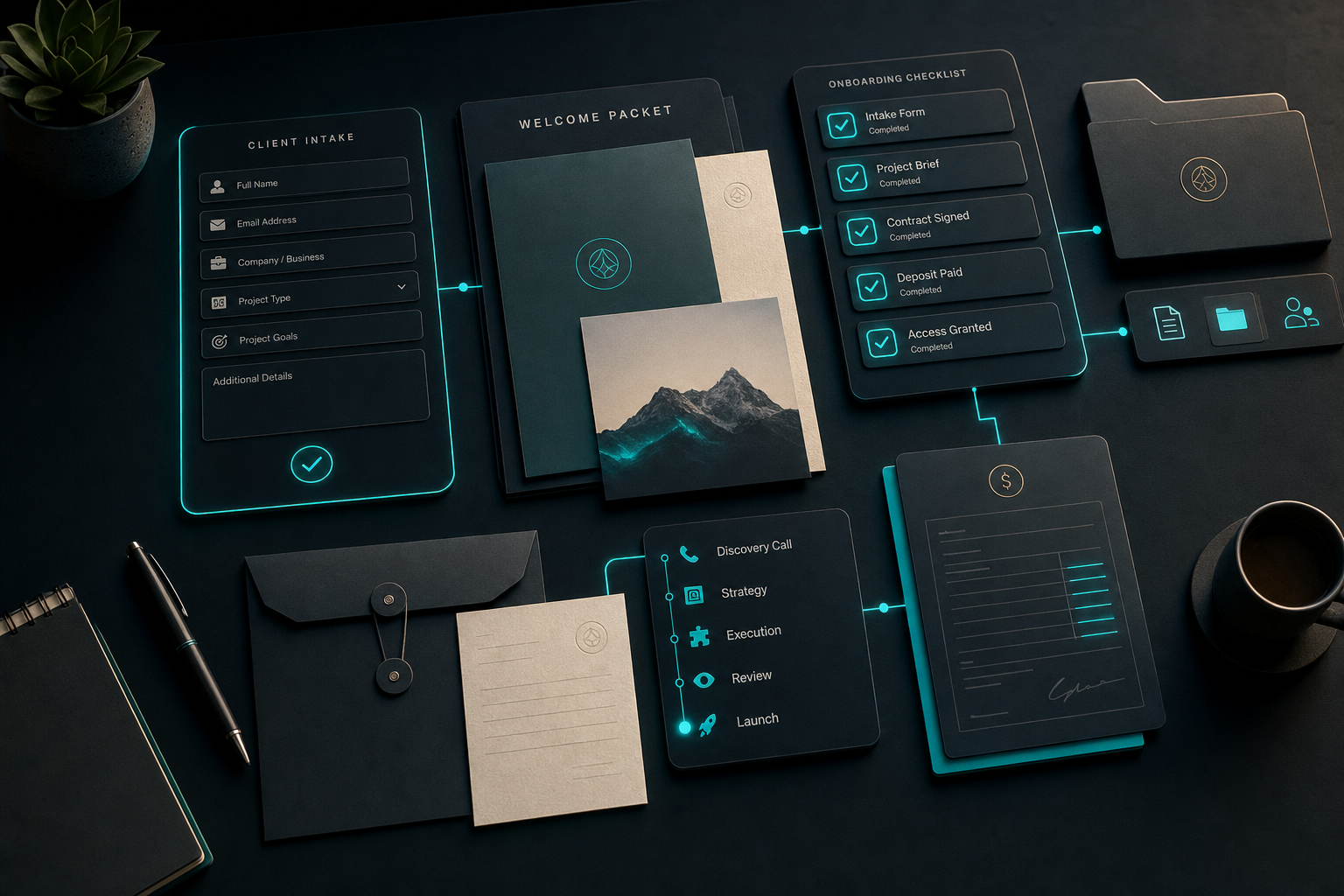
I am not writing about a perfect agency system here. I am writing about the simple stuff that keeps a small client operation from feeling chaotic every time a new project lands. If you are working alone, consistency matters more than looking polished.
Quick answer:
- Why freelance client onboarding pays for itself.
- What actually saves time.
- What it does not replace.
- Who this is for.
- What I would standardize first.
Why freelance client onboarding pays for itself
Client onboarding should reduce confusion, not create more of it. The first job is to collect the right information once, in one place, so you do not keep asking the same questions in different channels. The second job is to set expectations before the work starts, so scope does not drift the moment everyone gets busy.
A kit like this should help standardize the first 48 hours after a deal closes. That is the window where you either set the tone or invite chaos. Intake, welcome message, kickoff checklist, folder setup, invoice flow, access requests — those are the little pieces that make the rest of the project smoother.
That is the practical value. Not a fancy system. A repeatable start.
What actually saves time
The biggest time savings usually come from the dullest parts. You save time when the client knows what happens next. You save time when you do not have to rebuild the same welcome message every week. You save time when the scope is written down before work starts instead of being negotiated halfway through delivery.
That is why I like client onboarding kits in principle. They make the first touchpoints repeatable. Once that is set, you can focus on the work instead of on the admin around the work.
If you want a broader example of how I think about systems that keep the repetitive parts from taking over, I wrote about How I Use Make.com to Automate My Affiliate Content Pipeline. The point is the same: the process is what protects your time.
I would also keep one official reference open when I set up the freelance side of the business: the IRS small business and self-employed center. It is not a sexy link, but it is the kind of place that keeps admin from becoming a surprise later.
That is the pattern that keeps breaking down for most freelancers: freelance client onboarding never gets a defined shape, so every engagement reinvents the wheel from the intake call forward.
What it does not replace
A kit does not replace a contract. It does not replace actual communication. It does not replace your judgment when a client is already giving off bad signals. If the relationship is messy, a template will not save it.
It also does not replace the real work of scope control. You still have to decide what is in the project and what is not. The kit can make that decision visible, but it cannot make the decision for you.
That is important because onboarding gets treated like an admin task when it is really part of delivery quality. The cleaner the start, the fewer problems you create for yourself later.
Who this is for
This makes sense for freelancers who keep losing time in a messy start. If you are doing design, copy, editing, web work, consulting, or small retainers, a standard onboarding flow can save you a lot of friction.
It is also useful if you are still small enough that every client feels personal. That is usually when process gets ignored. Then a few bad starts convince you that freelance work is just supposed to feel chaotic. It is not.
Skip it if you only take one-off jobs that never repeat or if you are still so early that you do not have a consistent offer yet. A kit helps when you have enough repeatability to standardize. Before that, you need a clear offer first.
What I would standardize first
If I were starting over, I would standardize five things immediately: intake form, kickoff email, welcome packet, folder structure, and invoice timing. Those five pieces cover most of the handoff pain. Everything else is secondary until they work.
I would also create one place for assets and one place for communication. The less scattered the first week is, the easier the project becomes to manage. People do not realize how much energy gets wasted just locating the latest answer.
That is where a kit earns its keep. It keeps your process from being reinvented every time a client lands.
That is exactly the problem the Freelance Client Onboarding Kit is built to solve — a reusable intake structure so every client starts from the same clean baseline.
Getting freelance client onboarding right the first time saves the back-and-forth that eats into actual project work.
What it does not do
It does not make bad clients good. It does not force clarity onto people who will not give it. It does not magically fix your pricing or your boundaries. A kit only works if you are willing to use it consistently.
It also does not create authority out of thin air. The kit is a tool. Your professionalism is the part the client remembers. The kit just helps you deliver it without scrambling.
What this costs you if you ignore it
The price of bad onboarding is usually invisible at first. It shows up as extra calls, repeated questions, late files, and a kickoff that drags on for days. None of that looks expensive in isolation. Together, it steals real hours from every project.
A kit gives you a way to stop paying that tax over and over. If it saves even one hour at the start of three or four projects a month, the math gets interesting fast. More importantly, it reduces the mental friction that comes from having to remember your own process every time a new client arrives.
I think that is the real value for solo freelancers. You are not buying a fancy system. You are buying a way to protect your attention. When the process is consistent, you have more room to do the actual paid work.
That is also why I would not use this if I only closed one project every few months. The setup still has value, but the payback is slower. If you are dealing with regular client starts, the kit starts to make sense almost immediately.
What a real kickoff looks like with a kit
In practice, the kit should make the first day feel organized instead of improvised. A new client gets the same welcome flow every time. They know where to send files. They know when the invoice is due. They know what happens before work starts. That level of clarity lowers stress for both sides.
I like systems that remove the need to remember everything in my head. A good onboarding kit does that. It becomes the default process, so you do not have to rebuild the same sequence after every sale. You just follow the flow and move on.
That is especially useful if you are juggling client work with a day job. The less you have to improvise, the easier it is to keep the client experience clean even when your own week is messy.
Where the kit fits in a freelance stack
I would treat the kit as the front door to the rest of the business. It is the part that turns a signed project into a clean start. After that, the actual delivery tools can do their job without carrying the burden of intake and setup.
That division matters because freelancers often try to fix onboarding by adding more messages. Usually the answer is the opposite. Fewer messages. Better sequence. Clearer handoff. A kit helps you get there faster.
That is why I would recommend it to freelancers who are already getting repeat client work. The more often you onboard, the more useful the repeatable system becomes.
It is the kind of cleanup that sounds minor until you compare it against the hours it takes to do by hand.
That is the part freelancers usually want, even if they do not call it that.
That is enough to matter.
Worth it or not
My verdict is that this is worth it if your current onboarding feels like a string of ad hoc messages. If you keep repeating the same setup work, the kit will probably pay for itself in saved time and fewer mistakes.
If you want to try it yourself, Freelance Client Onboarding Kit is the link I would use. It is the quickest way to see whether the kit fits the way you already work.
Use my link if it helps. I may earn a commission at no extra cost to you, and the price is the same either way.
About the author: Chris Myers builds AI-powered business systems and tests every tool in his own solopreneur stack before recommending it. He writes at Piscion Global.