
GoHighLevel tool consolidation makes sense only when the platform can replace enough of your current stack to outweigh its subscription, usage charges, retained tools, and the real work of moving, while a controlled test confirms your must-have workflows, data, forms, email, scheduling, and reports still work. Start with your invoices and required workflows, then compare the result with current GoHighLevel pricing for a solo operator. That gives you a defensible decision instead of a sales-page guess.
Affiliate disclosure: This article contains GoHighLevel affiliate links. If you sign up through one, I earn a commission. The price is the same to you whether you use my link or go direct.
Key takeaways:
- Use paid invoices and actual usage charges, not remembered list prices.
- Map each required workflow before treating two tools as interchangeable.
- Count migration work, parallel operation, and any specialist tools you must keep.
- Choose a plan by sub-account and API needs, not by the longest feature list.
- Do not switch unless the full comparison produces a clear operational or financial gain.
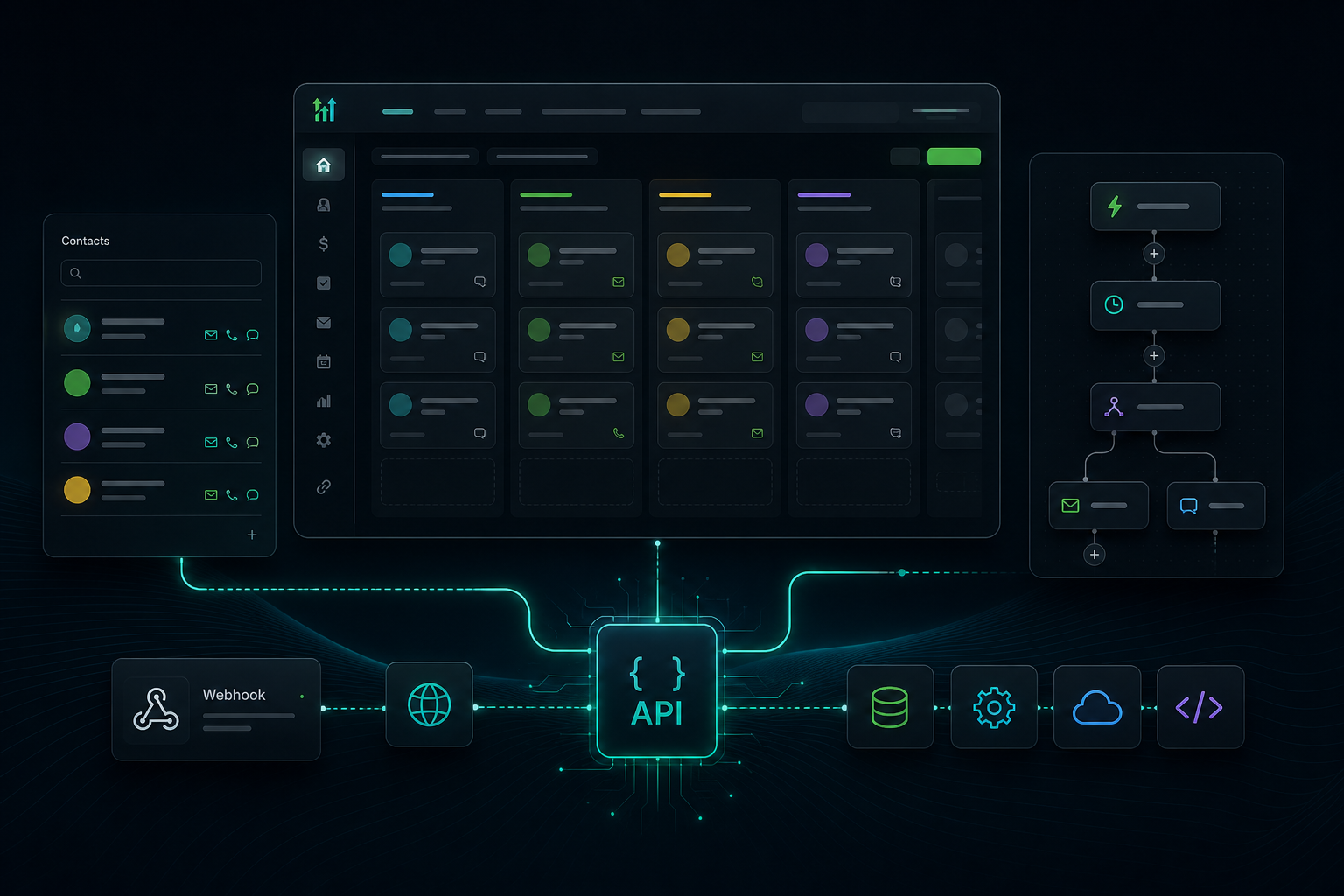
GoHighLevel combines CRM and pipelines, website and funnel building, email and SMS marketing, workflow automation, forms, surveys, quizzes, and booking calendars. That creates real overlap with a multi-tool client-acquisition stack. Overlap is not the same as replacement, though. The audit below is designed to find the difference.
When does GoHighLevel tool consolidation make sense?
GoHighLevel tool consolidation makes sense when your current tools duplicate records or workflow steps, the GoHighLevel plan you are considering covers every must-have requirement, and the full post-migration cost is lower or the operation is meaningfully simpler. All three conditions matter. A lower subscription total is weak evidence if a critical feature disappears or the team has to rebuild work every month.
An expense or renewal review is a practical time to run this audit. That does not prove the stack is wasteful. It simply gives you a reason to inspect the system while the contracts, card charges, and add-ons are visible. Pull the last three paid invoices for every tool involved in lead capture, contact management, follow-up, scheduling, and sales. Three billing periods help expose charges that a single invoice may miss.
Keep the scope narrow. This is not a setup tutorial or another platform-versus-platform contest. The question is whether one operating system can replace specific jobs in your stack without creating a worse problem. If you need the mechanics after making that decision, use the GoHighLevel email marketing setup guide as a separate project.
What should you put in a current-stack worksheet?
Build one row for every paid tool and one row for every charge that sits outside its base plan. The worksheet is simple, but the discipline matters. A CRM line that says “$49” tells you very little if email sending, phone numbers, extra users, or an automation connector show up elsewhere.
| Current job | Verified monthly cost | Required workflow | GoHighLevel overlap | Keep, replace, or test |
|---|---|---|---|---|
| CRM and pipeline | Your paid invoice | Stages, owners, fields, reporting | CRM and pipelines are listed as core features | Decide after a field and report check |
| Email and SMS | Plan plus actual sends | Campaigns, triggers, consent, deliverability | Email and SMS marketing are listed; usage charges apply | Test with a controlled segment |
| Automation | Plan plus task overages | Triggers, branches, retries, alerts | Workflow automation is listed as a core feature | Rebuild one critical workflow first |
| Funnels and forms | Plan, domains, and hosting | Pages, forms, routing, analytics | Builder, forms, surveys, and quizzes are listed | Compare page and data requirements |
| Scheduling | Plan plus user seats | Calendars, routing, reminders, time zones | Booking calendars are listed as a core feature | Test the hardest booking rule |
Add two columns that are easy to forget: contract end date and data-export method. A tool may be replaceable but still locked into an annual commitment. Another may hold historical notes or attribution data that cannot be moved cleanly. Those facts belong in the decision before you cancel anything.
Then mark every requirement as must-have, useful, or unused. “We pay for this feature” is not evidence that the business needs it. The reverse is also true: a small specialist feature can justify keeping a tool if it protects deliverability, reporting, compliance, or a client commitment.
Which GoHighLevel plan belongs in the comparison?
Prices checked against GoHighLevel’s official pricing page on October 17, 2026 were $97 per month for Starter, $297 per month for Unlimited, and $497 per month for Agency Pro. Annual prices shown were $970, $2,970, and $4,970. GoHighLevel also advertised a 14-day trial. Pricing and terms can change, so verify the live offer before making a purchase.
| Plan | Current listed price | Decision point |
|---|---|---|
| Starter | $97/month or $970/year | Three sub-accounts, unlimited contacts and users, and core features |
| Unlimited | $297/month or $2,970/year | Unlimited sub-accounts, basic API access, and phone/email rebilling without markup |
| Agency Pro | $497/month or $4,970/year | SaaS Mode, automated sub-account creation, reporting, and advanced API access |
Do not compare your current stack with Starter by default. Compare it with the lowest plan that supports your actual operating model. A consultant with one business and no client workspaces may fit Starter. An agency that needs separate client accounts may need Unlimited. Agency Pro belongs in the worksheet only when its SaaS and advanced agency functions are part of the plan.
The base subscription is not the whole GoHighLevel number. The official page says usage-based charges apply to functions including telecommunications, email, and premium AI services. It also lists optional add-ons. Your comparison should include only the add-ons you expect to enable, but it must include them. “Optional” does not mean “free when needed.”
How do you run the consolidation math without fooling yourself?
Use this formula:
Monthly operating difference = current verified stack cost − (GoHighLevel plan + expected usage + required add-ons + retained tools + monthly migration allowance)
The migration allowance is your one-time switching cost spread across a review period you choose. This is decision math, not accounting advice. Its purpose is to stop a large one-time workload from disappearing behind a smaller monthly subscription number.
A worked example with your numbers
- Enter the monthly average from three real billing periods for each current tool.
- Remove tools that are unrelated to the workflows GoHighLevel would take over.
- Select the lowest GoHighLevel plan that meets your verified sub-account and API requirements.
- Add expected email, SMS, phone, AI, and other usage from your own recent activity.
- Add every tool you must retain after the switch.
- Estimate the internal labor or contractor cost of cleanup, rebuilding, testing, training, and parallel operation. Document the basis for your estimate.
- Apply the formula, then run it again with higher usage and one retained specialist tool.
That second pass is the useful one. If the decision works only in the most optimistic case, you do not have a strong consolidation case yet. If the result still works after realistic usage and retention costs, the next step is a controlled test, not an immediate cancellation spree.
At that point, use GoHighLevel’s current plan and trial options to confirm the account structure against your worksheet. Build one representative workflow and confirm the outputs before moving the rest.
What does the switch cost beyond the subscription?
Migration cost shows up in work, risk, and temporary duplication. Start with data cleanup. Contacts may contain duplicate records, inconsistent fields, stale consent status, or notes that do not map neatly. Moving bad data into a new CRM does not fix it. It makes the new system harder to trust.
Next, inventory the workflows. For each automation, record the trigger, conditions, actions, owner, fallback, and expected output. Screenshots are not enough. A workflow that “sends follow-up” may also update a field, notify a salesperson, create a task, and stop when a reply arrives. Missing one branch can change the customer experience.
Email deserves its own check. Confirm sending-domain setup, consent records, suppression lists, templates, and deliverability monitoring. Do not move the full list first. Test a controlled segment, inspect the results, and keep the old path available until the new path behaves as expected.
Scheduling and forms need the same treatment. Test the hardest booking rule, not the easiest one. Submit each important form from a public page and verify where the record lands, which notifications fire, and what the prospect receives. A page that loads is not proof that the handoff works.
Finally, count retraining and parallel operation. Even a one-person business has habits built around the old stack. Agencies also have client access, permissions, documentation, and support expectations. The safer move is to run the old and new paths together long enough to verify critical work, then cancel tools only after the replacement has earned trust.
Which tools should you keep?
Keep a specialist tool when it handles a must-have job better than the consolidated path and the difference matters to the business. That may be advanced reporting, a particular integration, complex billing, specialized email needs, or a client-mandated system. The audit is allowed to end with a smaller stack instead of a one-tool stack.
Also keep tools that sit outside the decision. Project delivery, bookkeeping, file storage, and other back-office systems do not become redundant just because a marketing platform has a long feature list. Consolidation should remove verified duplication. It should not turn every software category into a GoHighLevel requirement.
If your deciding issue is a named CRM rather than the whole stack, use the focused GoHighLevel vs Keap comparison. A vendor comparison can answer capability questions. This article answers a different question: whether your combined system is worth changing.
What is the final go-or-no-go checklist?
Move forward only if every “go” condition is true:
- Your worksheet uses paid invoices and recent usage, not estimated list prices.
- The selected GoHighLevel plan supports the number of sub-accounts and API access you require.
- Every must-have workflow has a mapped replacement or an approved retained tool.
- Usage charges, add-ons, retained tools, and migration work are included in the calculation.
- A controlled test passes for contact data, automation, email, forms, and scheduling.
- The downside case still produces a clear operational or financial benefit.
Stop or narrow the migration if any of these are true:
- The case depends on canceling a specialist tool you still need.
- You cannot reproduce a critical workflow or report.
- The expected gain disappears after usage and migration costs are added.
- You are choosing a higher plan for future ideas rather than present requirements.
- You do not have a rollback path for customer-facing work.
My verdict is conditional: GoHighLevel is worth testing when the worksheet shows genuine overlap across CRM, follow-up, automation, pages, forms, and scheduling. It is a poor consolidation choice when you need only one of those jobs or when the migration strips out a capability your business relies on. The clean answer comes from your invoices and requirements, not from somebody else’s stack.
About the author: Chris Myers builds lean business systems while working in construction supply and writes about practical tools for solopreneurs at Piscion Global.
If your audit clears the checklist, review GoHighLevel and start with the lowest plan that meets your documented requirements. Use the trial to test one real workflow before you cancel anything.