
Why the Codex CLI OpenClaw Conflict Took Down My AI Agent System (And How to Isolate It)
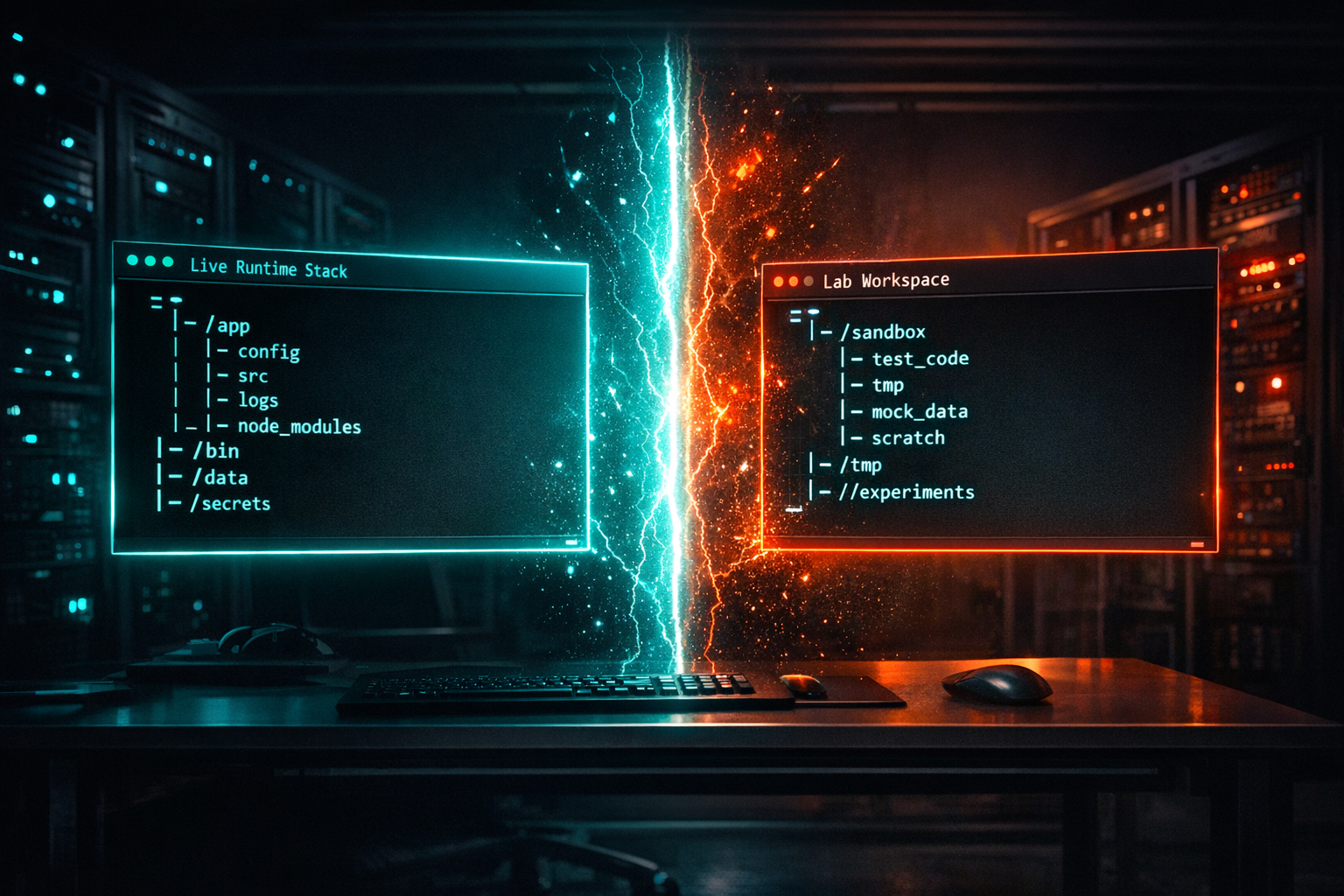
The Codex CLI OpenClaw conflict is what taught me that “local” does not automatically mean “safe.” I ran Codex CLI inside the same runtime tree I use for OpenClaw, and the two stopped acting like separate systems. When weekly tokens ran out mid-task, the whole thing stalled because I had never actually drawn a hard boundary between the experiment and the live stack.
That mistake cost me time, but it also gave me a clean answer: if you are going to run a coding agent in a live environment, isolate it before you trust it. OpenAI’s own getting started guide says Codex CLI is an open-source terminal coding agent that can read, modify, and run code on your local machine, with approval modes that range from Suggest to Full Auto. That is useful. It is also exactly why the directory boundary matters so much. OpenAI’s Codex CLI getting started guide lays out the modes, but the safety line is still on you.
Quick answer:
- What Codex CLI actually is.
- Why the Codex CLI OpenClaw conflict happened.
- How I isolate the Codex CLI OpenClaw conflict now.
- What I would do from scratch.
- Who this setup is for.
What Codex CLI actually is
Codex CLI is not just another shell toy. It is a terminal-first coding agent that sits close to your codebase, can inspect files, propose changes, and run commands locally. In other words, it is meant to behave like a capable pair programmer that lives in the repo with you. That is powerful when the repo is clean. It is less useful when the repo is also your production control room.
The part people miss is that the tool is designed around workflow, not around your business boundaries. It does not know that one directory is a scratchpad and another directory is the live runtime. It only knows what you pointed it at. If you treat that distinction casually, the agent will too.
OpenAI also documents distinct approval modes: Suggest, Auto Edit, and Full Auto. Suggest asks before changes and commands. Auto Edit can write files but still asks before shell commands. Full Auto is the one that really matters here: it runs inside a sandboxed, network-disabled environment scoped to the current directory. That is a solid control. It is still not a substitute for a clean workspace.
The reason I am being blunt about that is simple: most agent failures are not model failures. They are boundary failures. The model did what it was allowed to do. I gave it too much surface area.
Why the Codex CLI OpenClaw conflict happened
The failure was not mysterious. I had Codex CLI living too close to the OpenClaw runtime, inside /root/.openclaw, and that made the agent and the live system feel like one organism instead of two. That is the kind of setup that works fine until one task needs a little more time, a few more tokens, or one more file touch than you expected.
Then the weekly token limit hit mid-task and everything that depended on that session froze. Not because the idea was wrong, but because the workspace was shared. The runtime, the prompts, the helper scripts, and the scratch files were all in one place. I had built convenience. I had not built isolation.
That is the part I would warn anybody about if they are running AI agents on a VPS. The agent does not need to “break in” when you hand it the keys to the wrong hallway. If your live agent stack and your experimental CLI both live under the same roof, a dead session can look like a system outage.
This is also where visibility matters. If you cannot tell at a glance what is live, what is test, and what is disposable, you are going to find out the hard way. I wrote more about that in You Can’t Manage What You Can’t See: Building a Command Center for Your AI Agents, because the fix is not just better tooling. It is better separation.
The Codex CLI OpenClaw conflict happened because I blurred the line between “agent workspace” and “system workspace.” That is on me. The tool just exposed it.
How I isolate the Codex CLI OpenClaw conflict now
My fix is boring, and boring is good here. I give Codex CLI its own workspace, its own repo root, and its own scratch area. I do not point it at the live OpenClaw directory. I do not let it share helper scripts with the runtime unless I have copied them in on purpose. And I do not assume that “I know what I meant” is the same thing as “the agent can infer my intent.”
What that looks like in practice is a separate directory structure that is obviously disposable:
/root/agent-lab/codex-cli/for experiments/root/agent-lab/codex-cli/scratch/for throwaway output/root/.openclaw/left alone for the live runtime
I also keep the live runtime out of the agent’s working path. No symlinks. No shared state. No “just this one file.” That last one is how boundaries disappear.
If I need to test something against real code, I copy a narrow subset into the lab workspace first. That way the agent can still do useful work, but it cannot accidentally start treating the production tree like a notebook.
There is another small habit that helps: I keep one shell profile for the live stack and a different shell entry point for Codex experiments. That sounds excessive until you have lost a night to a prompt that launched in the wrong directory.
And if I am using a higher-autonomy mode, I make sure the repo is actually under version control before I let anything loose. OpenAI notes that Codex warns when Auto Edit or Full Auto is used outside version control. I like that warning. I like having a second reminder even more.
The short version is this: if Codex CLI is a worker, give it a shop. Do not hand it your living room and then act surprised when the furniture moves.
What I would do from scratch
If I were setting this up again today, I would start with a clean, dedicated repo that has one job only: Codex experiments. I would name it like a lab, not like production. I would keep my prompts, temporary files, and result exports there. The Codex CLI OpenClaw conflict is a workspace problem before it is a prompt problem. Then I would connect it to the real stack only through copied inputs and explicit handoffs.
That gives me three clean layers:
- The live runtime, which stays stable.
- The Codex workspace, which can break things without breaking the business.
- The handoff path, which is deliberate instead of accidental.
If you are building agent systems, this is not just a Codex problem. It is a discipline problem. The first time you let a tool sit too close to production, you will discover how much of your safety was really just habit.
That is why I would not start with “what can this tool do?” I would start with “what can it touch?” Then I would make that answer painfully small.
OpenAI’s docs are helpful here because they make Codex CLI feel concrete instead of magical. It reads files, edits files, and can run commands. Great. That means the blast radius is yours to define. If the current directory is the blast radius, make that directory disposable.
This is also where I would keep a plain text runbook for myself. Nothing fancy. Just a note that says: do not launch Codex CLI from inside the live agent runtime. Use the lab workspace. Copy in what you need. Copy out only the result.
That small rule prevents a lot of drama.
Who this setup is for
This setup makes sense if you are a developer or solo builder running AI agents on a VPS and you care about keeping the live system alive. It also makes sense if you are using Codex CLI to move fast but still need to sleep at night.
Skip it if you are only experimenting in a throwaway repo. Skip it if you have no production runtime to protect. And skip it if you are tempted to treat every tool as interchangeable just because it is “local.” Local is not the same thing as contained.
If your whole stack depends on agent uptime, you need a separation strategy before you need a faster prompt.
My verdict on the Codex CLI OpenClaw conflict
The Codex CLI OpenClaw conflict was not a reason to stop using Codex CLI. It was a reason to respect the boundary between a working agent and the system it can reach. I still think Codex CLI is useful. I just will not point it at a live runtime again.
That is the real lesson. The tool is fine. The layout was not. If you build a dedicated workspace, keep the live runtime out of reach, and use a clean handoff path, Codex CLI becomes useful instead of dangerous.
If you are trying to make a similar setup behave, start with the workspace boundary before you tweak the prompts. That is the part that saved me.
If you want the official reference, OpenAI’s Codex CLI guide is the place to check first. Then build your own isolation around it.
About the author: Chris Myers builds AI-powered business systems and tests every tool in his own solopreneur stack before recommending it. He writes at Piscion Global.
Pingback: How to Create an AI Agent with CustomGPT
Pingback: FTC Affiliate Disclosure Guidelines for Ads